Corollage - Tool for collages
A downloadable tool for Windows and macOS
What the tool is about!
Corollage is an easy-to-use tool that helps you turn your favourite photos into a special collage — one that follows the shape of any image you choose!
How to Use?
-
Add your own photos
-
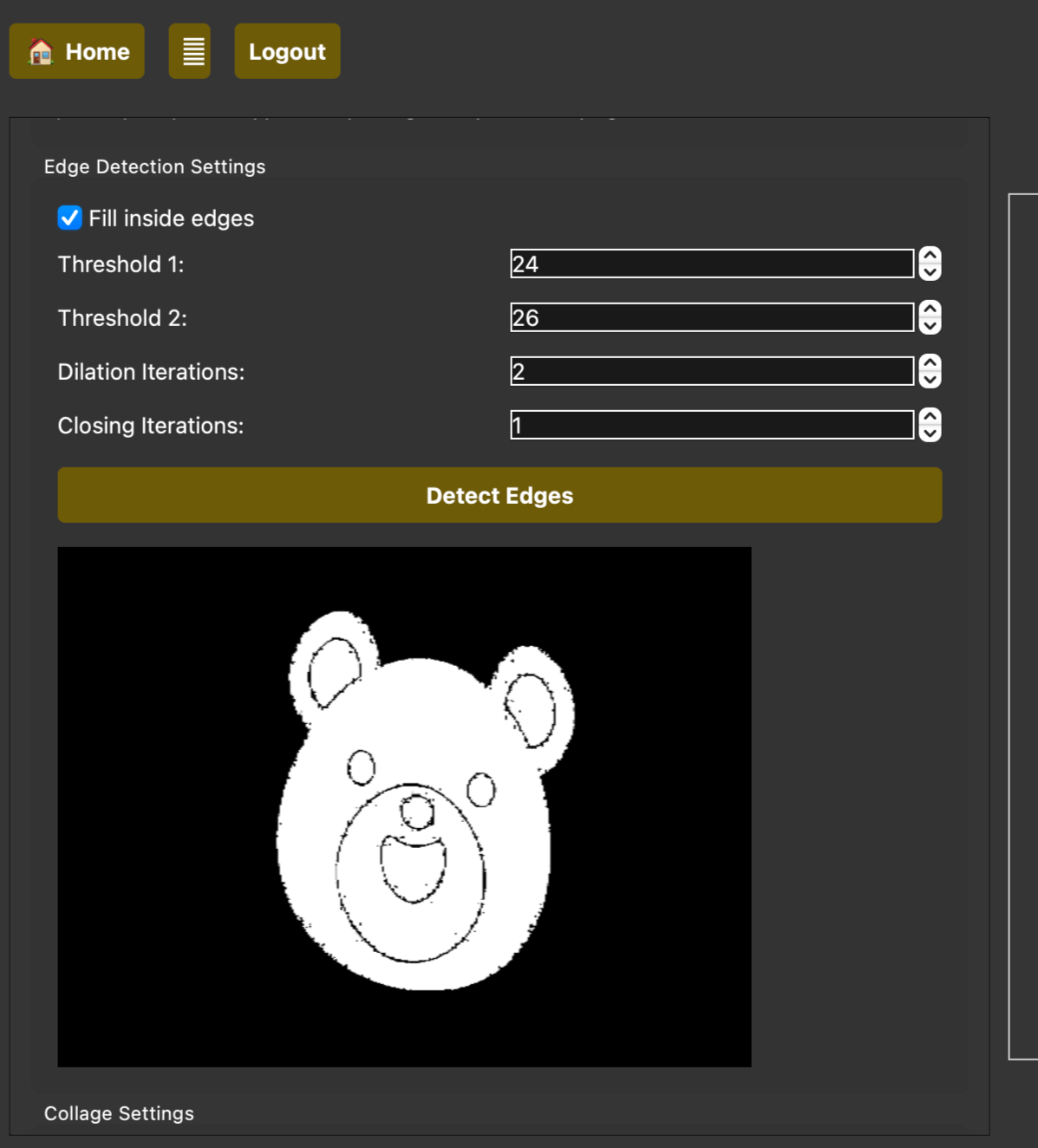
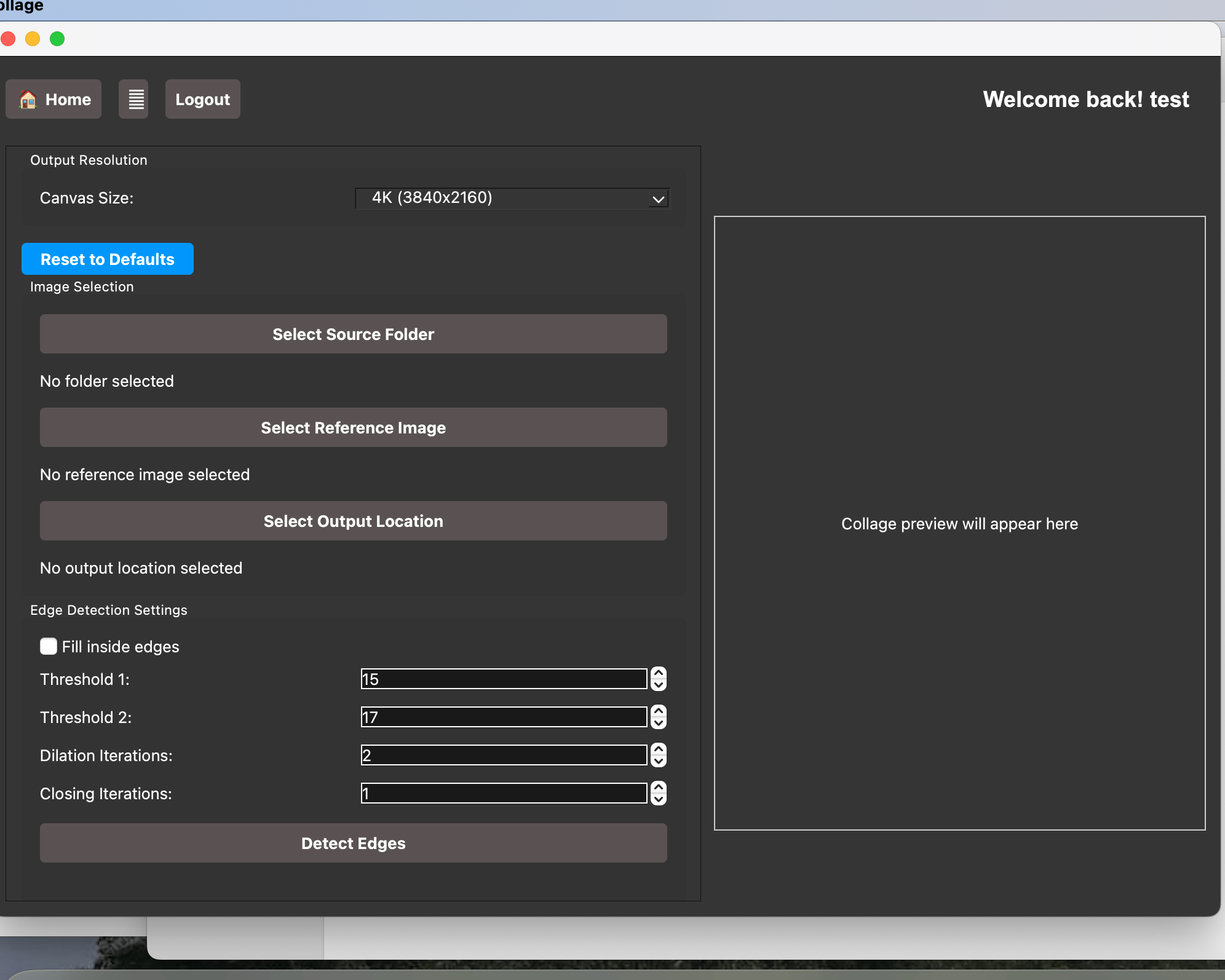
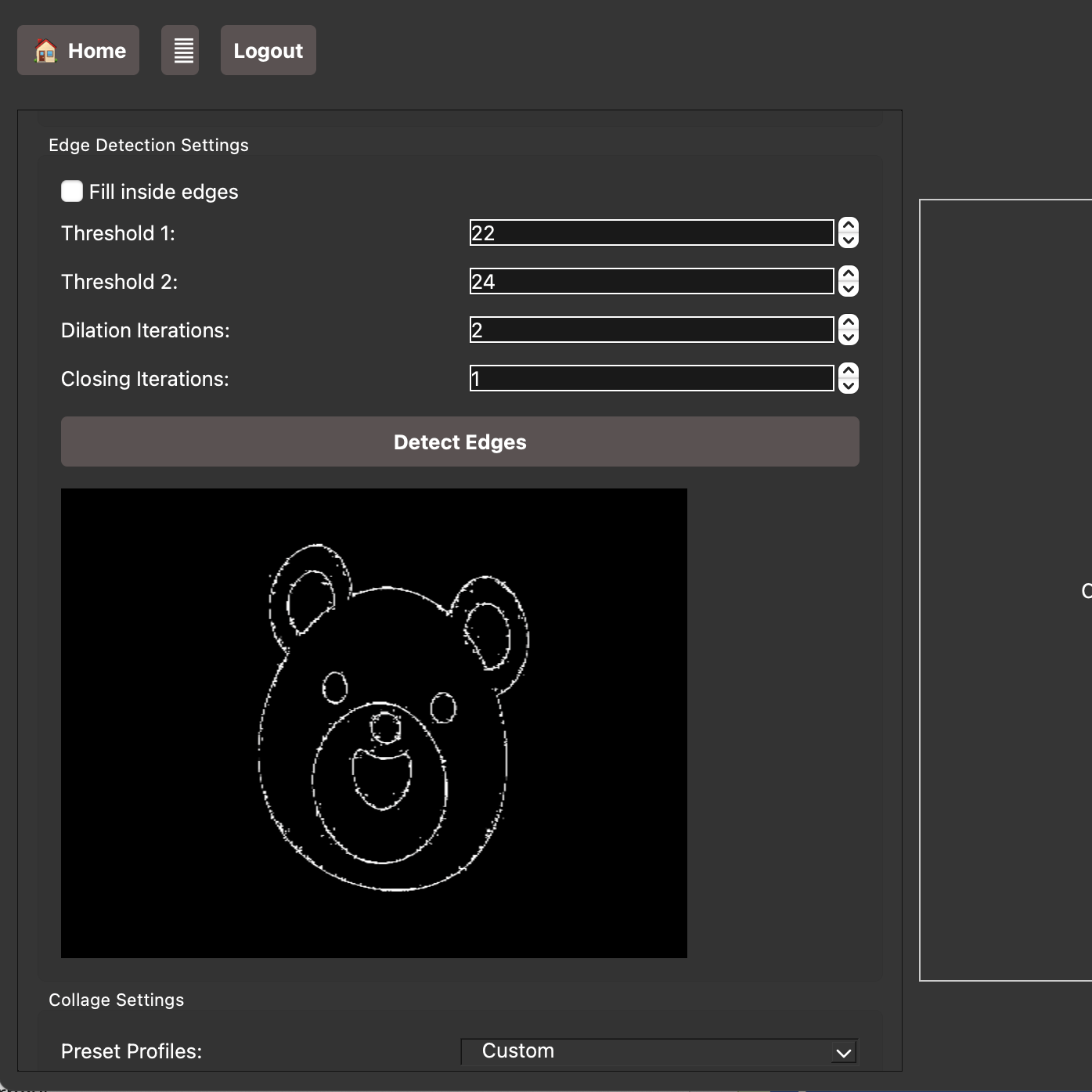
Choose a shape (like a heart, person, or logo, or even sketches!)
-
The app fits your photos together inside that shape(borders or inside the borders!)
-
Save and share your collage!
offers better versions of the app! with monthly updates to the app!
It’s perfect for gifts, events, or just remembering great moments.
No design skills needed. Just your pictures and a shape you love.
The memories you create can now have a rememberable photo, that you can zoom into everytime at different corners...
What we offer?
We also allow in app purchase for a subscription that allows you to enhance more of the collage you make, from higher resolution images, to creating sharper collage structure. This feature gives the best of the app , and its not that expensive than you think!
Tutorials of the app are regularly uploaded on the youtube channel listed in the sidebar!
Create amazing collages by starting the download! it takes no more than a minute to begin the wonderful journey with us!
Download
Install instructions
MacOS instructions: If the app generates a warning while running, please right click on the app, and press open. Confirm the bypass to allow the app to run! Thank you!!
Windows instructions: If the app shows a download warning, or shows a warning while running the exe file(windows protected your PC) , you may have to right click the .exe file, -> properties -> check Unblock , this will allow the .exe to be runned.
Development log
- Windows version is Live!Jun 20, 2025